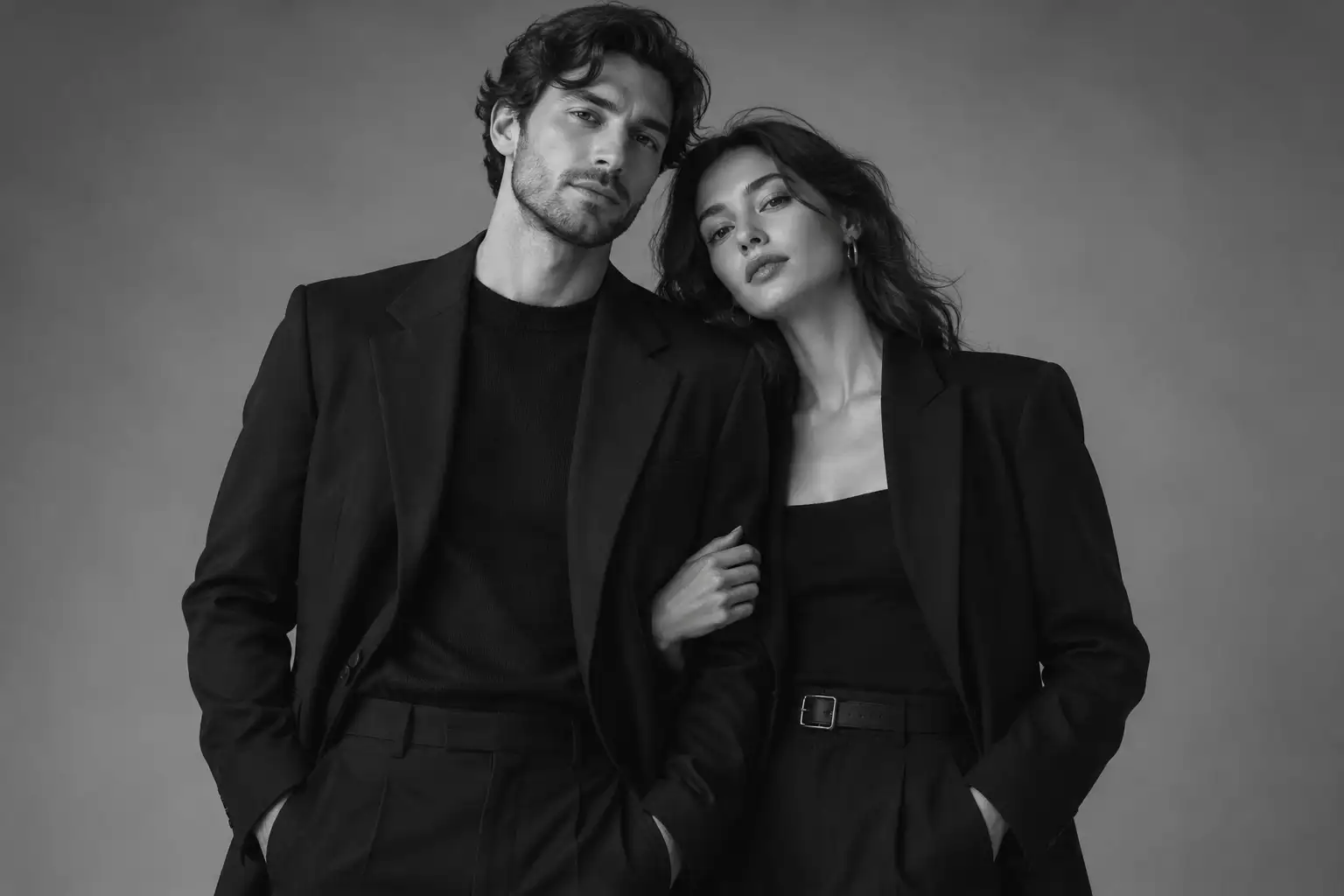
Editorial black and white
Create a clean monochrome look with soft highlights, controlled shadows, and a fashion-studio mood.
Turn one reference photo into a cinematic monochrome couple portrait with editorial poses, soft studio light, and consistent styling across a 3x3 photo grid.
Use a reference image and a clear visual direction to create a couple portrait with consistent mood, pose, and wardrobe.
Create a clean monochrome look with soft highlights, controlled shadows, and a fashion-studio mood.
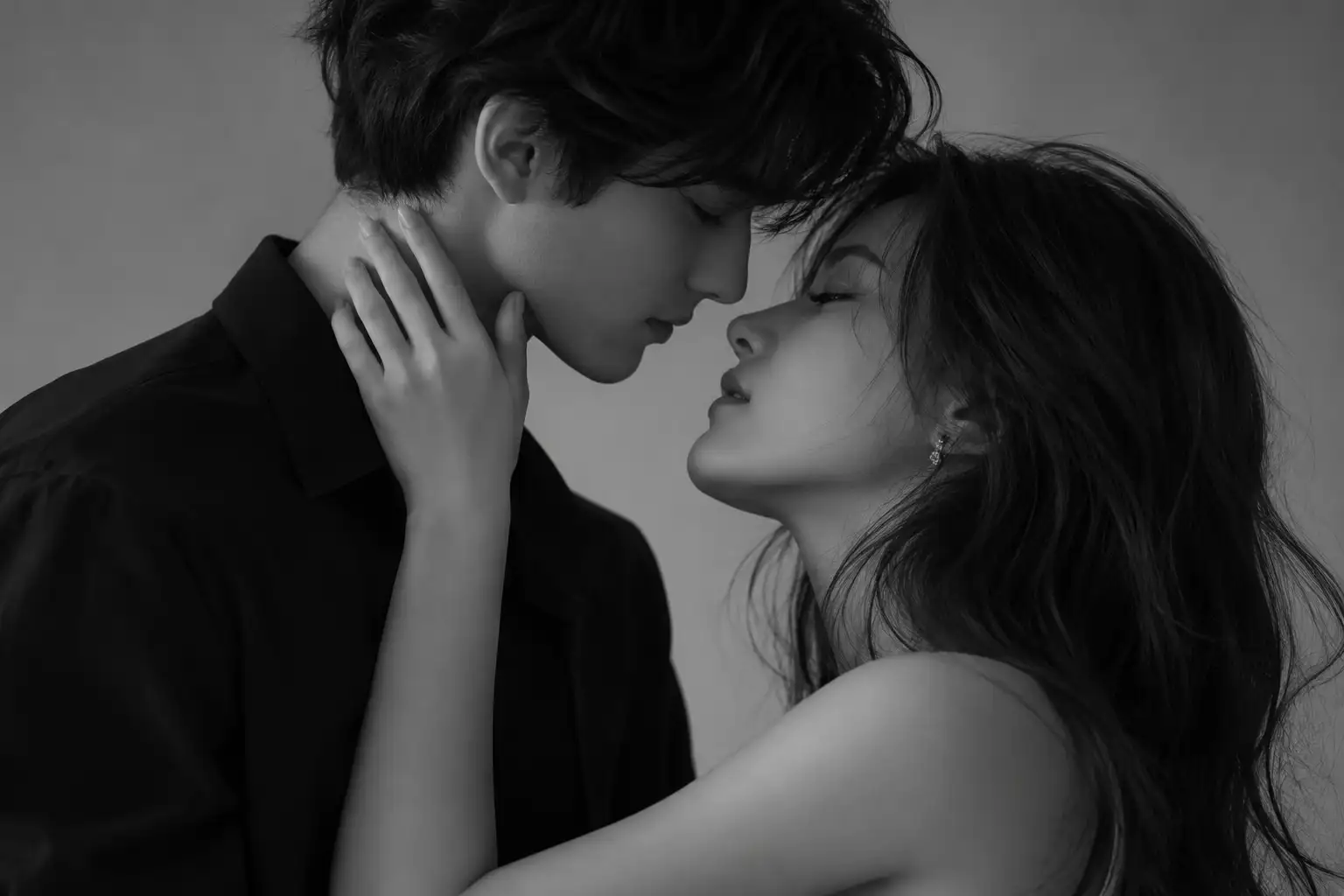
Describe how the couple stands, embraces, turns, or sits so the relationship reads clearly in the frame.
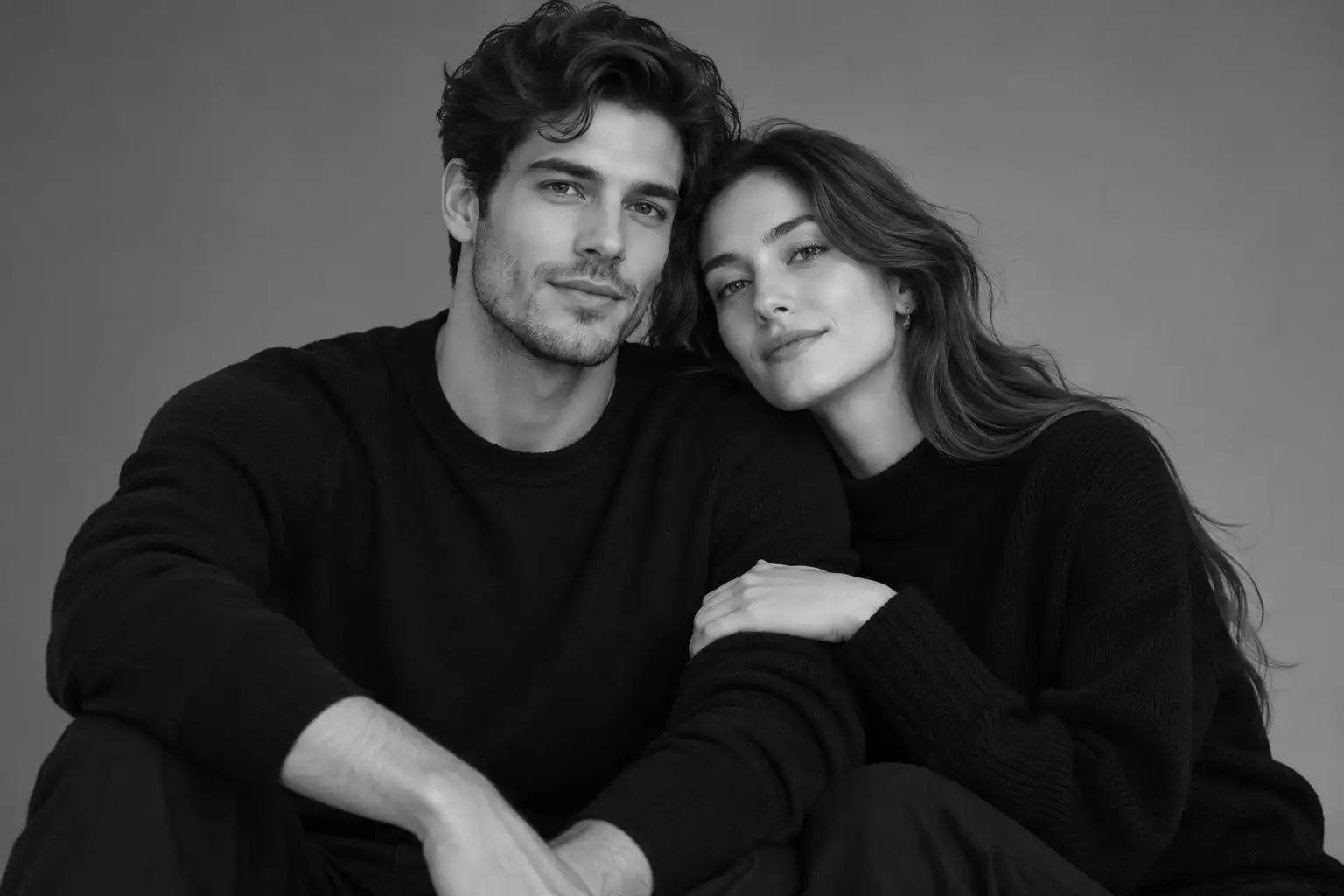
Keep outfits, hair, lighting, and background direction aligned across the planned portrait variations.
Three steps keep the result focused without changing the existing generation workflow.
Choose a clear image where both people are visible and the faces are easy to read.
Add the mood, wardrobe, pose, studio background, lighting, and monochrome finish you want.
Review the result, adjust the prompt when needed, and generate another variation with the same visual direction.
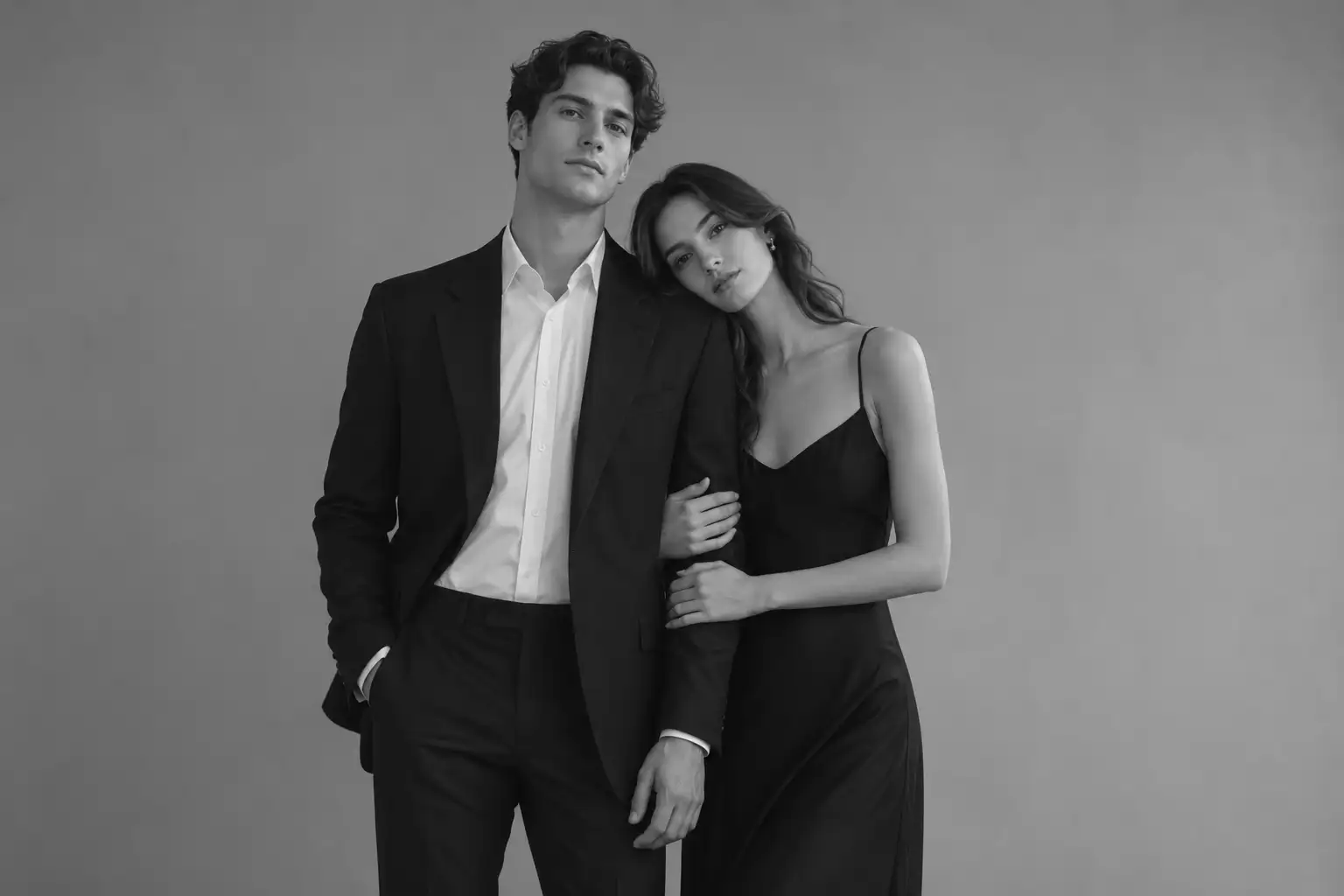
This workflow is designed for romantic, editorial, and pre-wedding-inspired couple portraits where lighting, pose, and wardrobe continuity matter as much as the monochrome finish.
Use a seamless or minimal background to keep attention on the couple.
Move between full-body, medium, profile, and close-up directions.
Describe a softbox, umbrella, Rembrandt, or butterfly lighting direction.
Keep the visual relationship between clothing, texture, and the black-and-white palette clear.
Subject, pose, environment, camera, light, and post-processing can be adjusted separately.
Shape the portrait with deliberate choices for pose, camera perspective, lighting, and the final monochrome finish.
Specify the couple's body language and relationship in the frame: standing shoulder to shoulder, seated close together, embracing, profile, or cheek-to-cheek. Add who faces the camera and where each person places their hands to reduce ambiguous compositions.
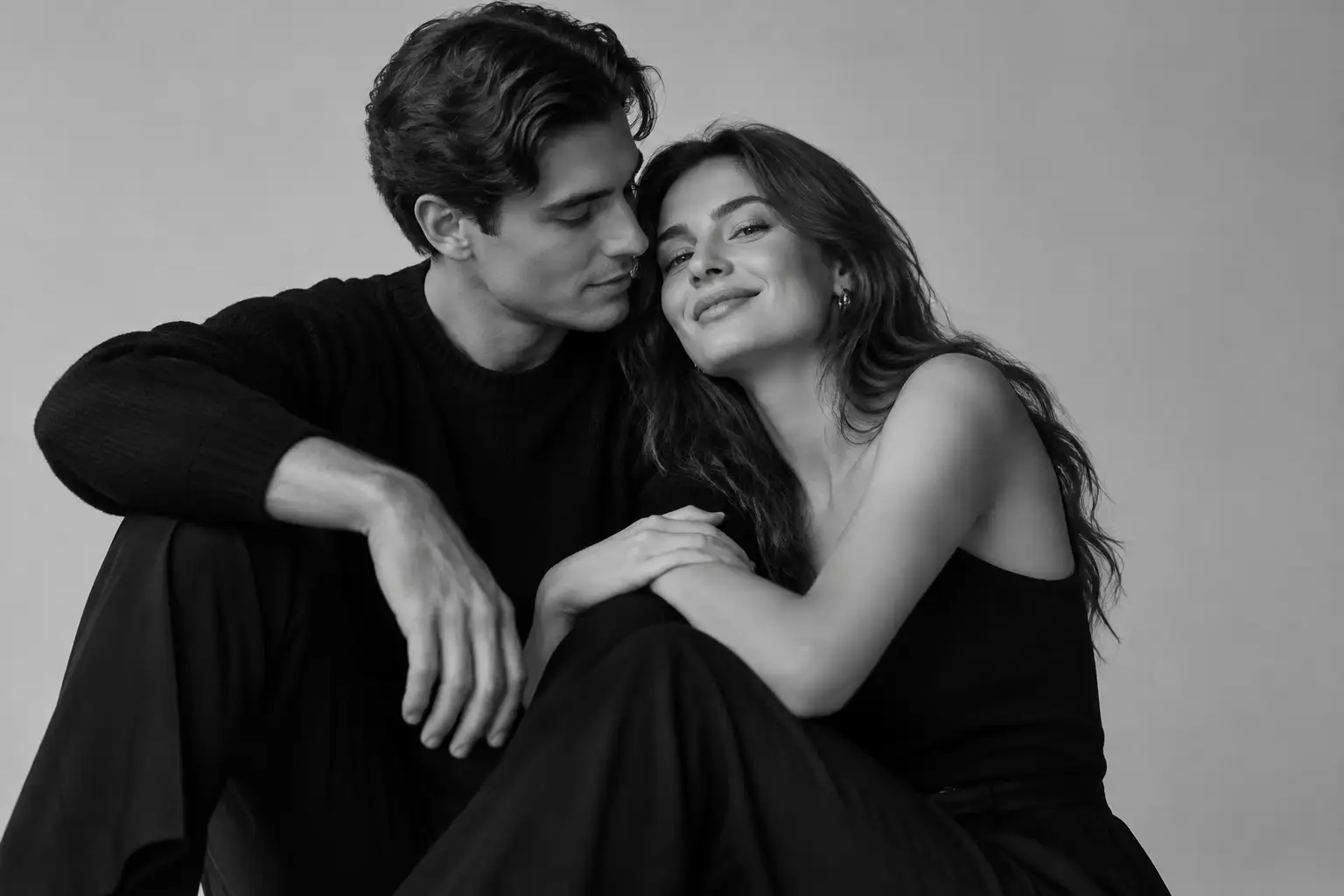
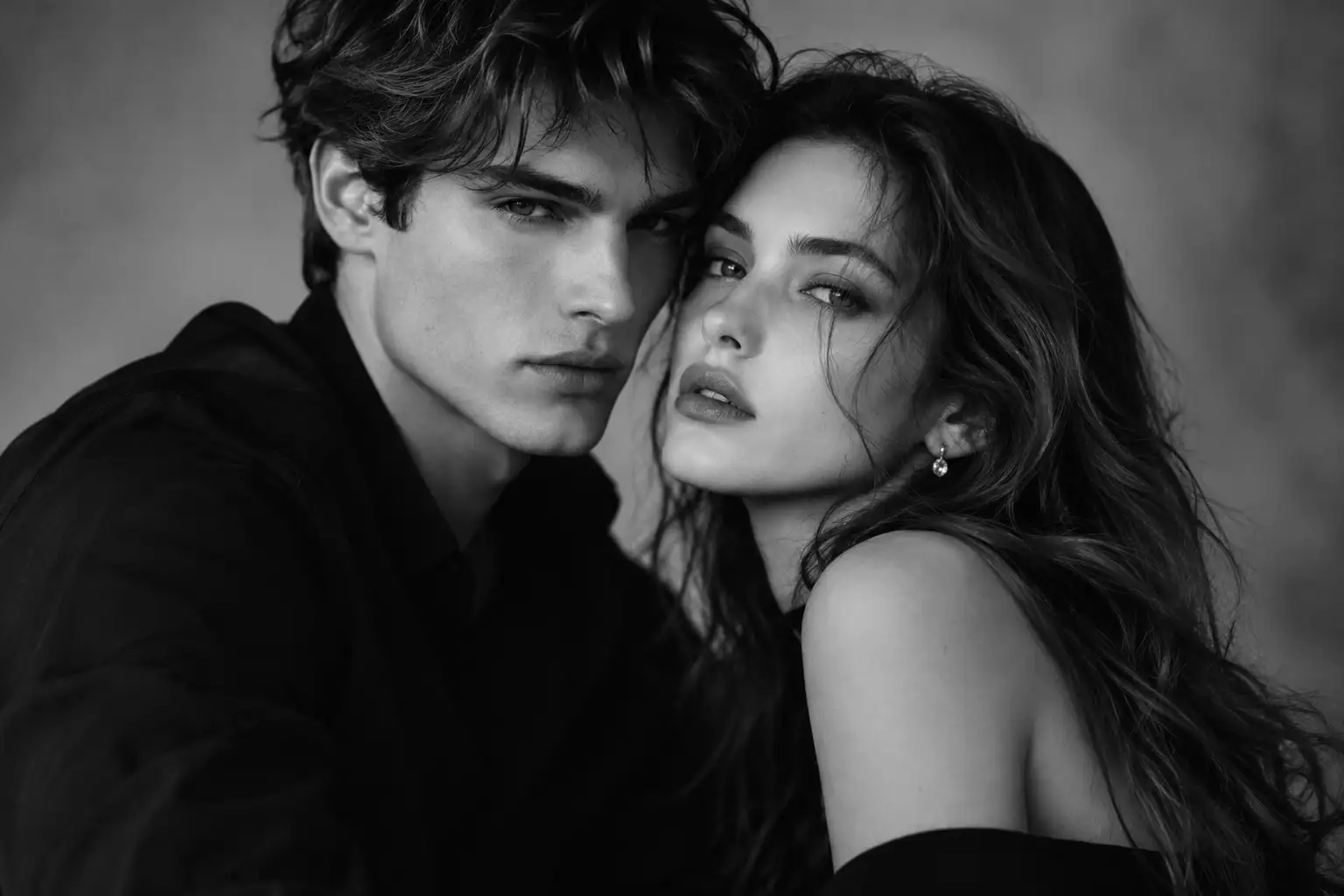
Guide the visual distance with portrait terms such as 50mm or 85mm, medium shot or close-up, shallow depth of field, and eye-level or slightly low angle. Pair one framing choice with the intended background blur so the model has a clear focal hierarchy.
Define how the monochrome image should feel after lighting is set: soft gray gradients for a romantic editorial mood, controlled film grain for a timeless look, or deep blacks and bright highlights for a dramatic fashion portrait. Keep the contrast direction consistent with the reference photo.
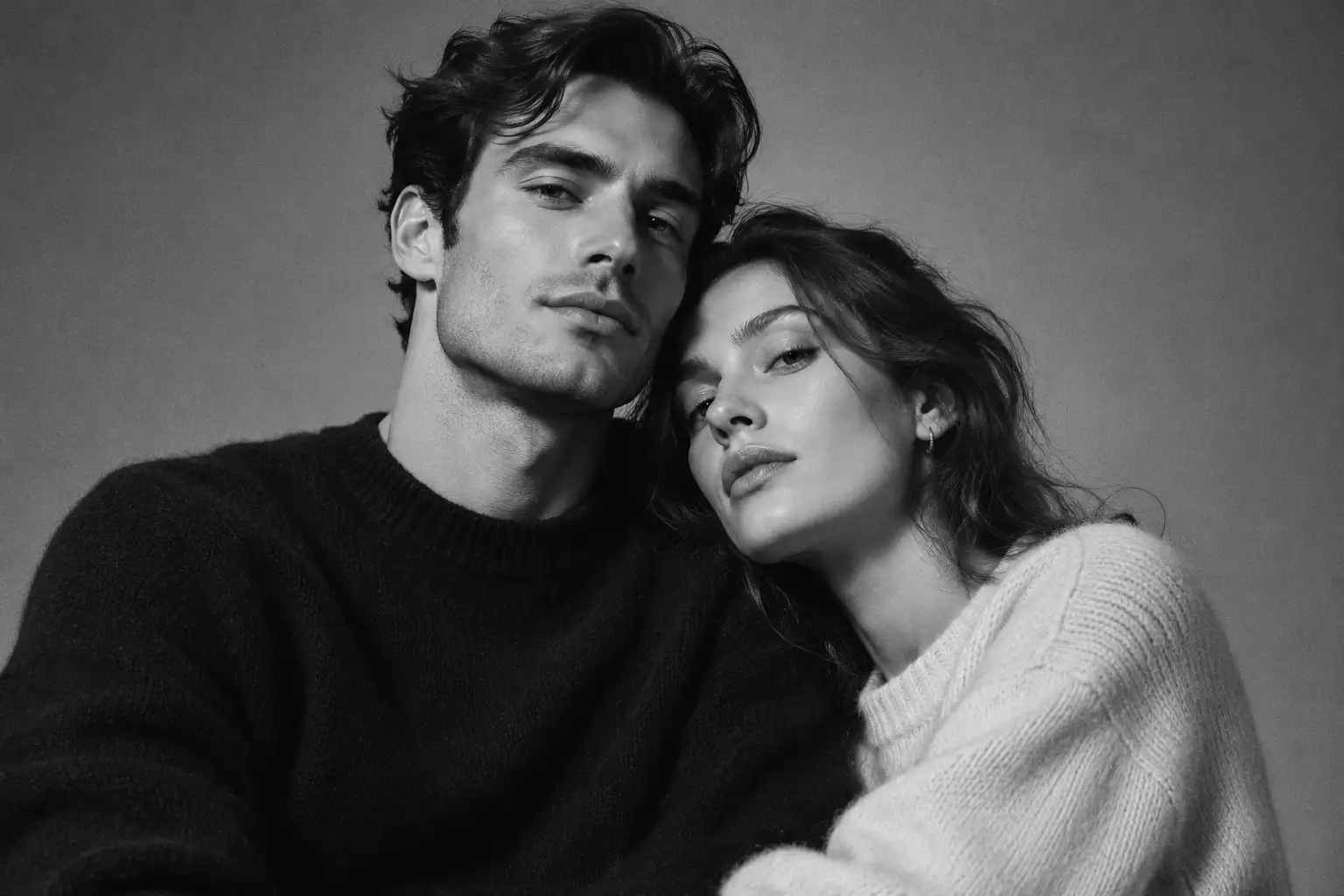
Use the order subject, pose, setting, camera, lighting, and finish to keep each prompt easy to refine.
A couple standing side by side in a minimalist studio, black tailored outfits, soft butterfly lighting, 85mm portrait lens, clean monochrome contrast, full-body fashion editorial.
An intimate black and white profile portrait of a couple with faces close, soft side light, gentle shadow gradients, natural expressions, fine-grain editorial photography.
The same couple across a 3x3 portrait grid: standing, seated, embracing, profile, close-up, and over-the-shoulder poses with consistent wardrobe and studio lighting.
A couple against a seamless grey background, softbox lighting, subtle fabric texture, gentle highlights, clean shadows, refined black and white portrait finish.
Common questions about creating black and white couple portraits with AI.
Start from one reference photo and shape the pose, lighting, wardrobe, and monochrome finish.
Use a clear reference photo and refine one visual decision at a time.