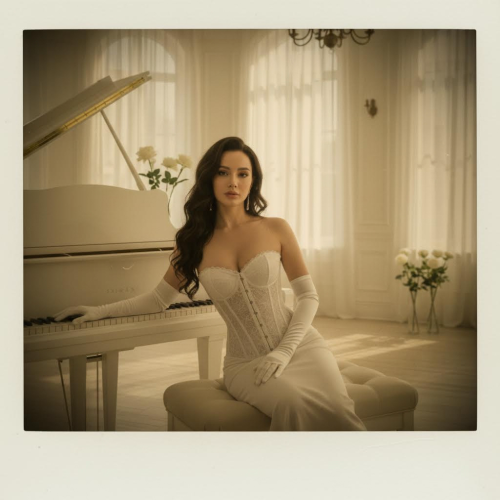
Believable vintage results.
Authentic Film Aesthetics
Get vintage tones that look like real film: gentle fade, natural contrast, subtle grain, and warm highlights—without destroying skin tones or flattening detail.
Upload a photo, describe the era and mood, pick your model + aspect ratio + resolution, then generate a believable vintage edit that keeps faces and details natural.
Imagens.App helps you turn a modern photo into a believable vintage image without the “over-filtered” look. Pick an AI model, set your aspect ratio and resolution, and generate edits that keep faces, textures, and key details intact while adding film-grade color, grain, fade, and retro lighting that feels authentic.
Believable vintage results.
Get vintage tones that look like real film: gentle fade, natural contrast, subtle grain, and warm highlights—without destroying skin tones or flattening detail.

Human details stay real.
Our workflow is built for photo edits: keep faces recognizable, maintain texture, and avoid plastic smoothing while still adding a cohesive retro grade.
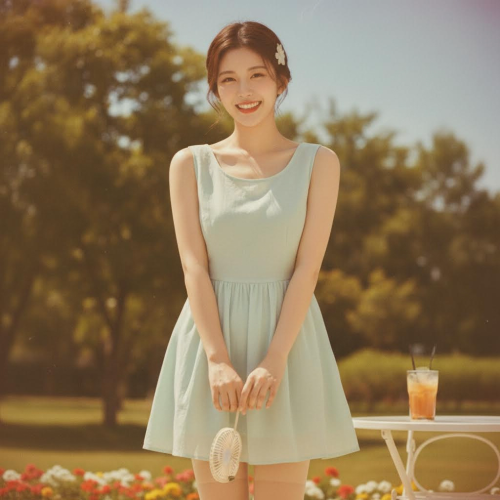
Dial in the exact look.
Choose model, aspect ratio, and resolution, then generate fast. Iterate with small prompt tweaks to match a specific era (Kodachrome, Polaroid, disposable camera).
A simple workflow: describe the look, pick your settings, then generate a vintage edit you can download and share.
Start with your photo, then write what you want: era, film stock vibe, color mood, grain strength, fade level, and any details to preserve (faces, brand colors, text).
Pick the AI model for your quality/speed tradeoff, select the aspect ratio for your platform, and set resolution based on your export needs. Higher-quality models cost more credits but preserve faces and fine details better—see pricing at /pricing.
Generate your vintage edit, compare variations, and refine with small prompt edits like “more subtle grain” or “slightly warmer highlights” until it matches your target look.
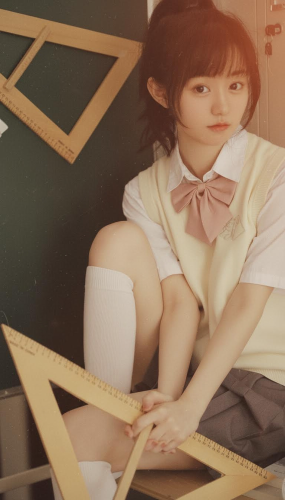
Imagens.App is a fast, modern way to convert photos to vintage style with AI. Instead of applying a single generic filter, you describe the era and mood you want, then choose an AI model, aspect ratio, and resolution. The result is a vintage edit that feels like film: soft contrast, natural color shifts, subtle grain, and believable lighting—while keeping faces and important details intact. Use it for social content, brand campaigns, travel memories, or print-ready retro visuals.
Prompt by decade, film stock vibe, and lighting to get a cohesive retro grade.
Designed to keep faces, textures, and key elements natural.
Choose aspect ratio and resolution for web, social, or print.
Use your outputs in content and campaigns when generated with paid credits.
Generate variations quickly to match your exact reference look.
Built for creators who want a real film look with modern control.
Instead of forcing one “vintage” preset on every photo, you can describe the exact film vibe you want: faded 1970s color, warm sepia portrait, disposable camera flash, Polaroid softness, light leaks, or subtle vignette. Because you control the prompt plus model choice, the output can stay tasteful and realistic—skin tones remain believable, shadows keep depth, and grain looks like film texture rather than digital noise. This makes it suitable for personal photos, brand content, and editorial visuals where “retro” needs to look intentional, not gimmicky.
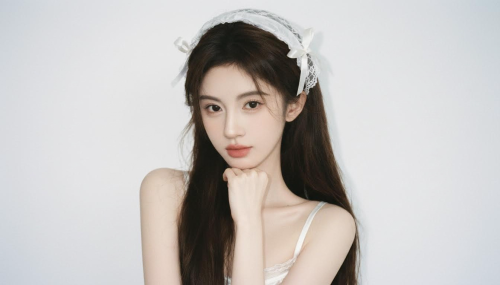
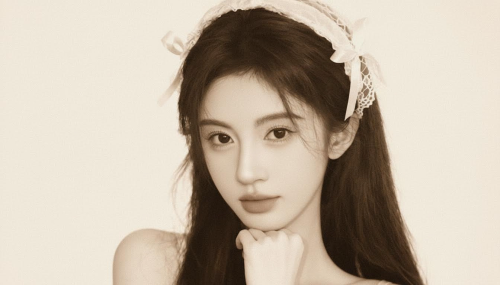
Vintage edits often fail when you try to reuse them across platforms or print them. Here you pick your aspect ratio and resolution up front, so the result is ready for where you’ll use it—Instagram posts, stories, thumbnails, banners, or higher-resolution exports for prints and marketing assets. You can also iterate quickly: generate a subtle version for portraits, a stronger grain version for street photos, or a cleaner “retro color grade” for product shots while keeping details sharp and readable. Credits are deducted based on the model and settings you choose.
Quick iterations without sacrificing the film look.
A convincing vintage result comes from film stock, light and age cues together. Copy a recipe and adjust one line at a time.
Portrait in open shade, Kodak Portra 400 look, soft contrast, warm skin tones, gentle highlight rolloff, fine grain.
Street scene in late afternoon sun, Kodak Gold 200 look, amber highlights, slight halation, visible grain, 35mm framing.
Neon street at night, Fuji Superia look, cool shadows, cyan-green cast, direct flash, heavy grain.
Portrait with window light, Ilford HP5 look, deep blacks, soft midtones, pronounced grain, no colour cast.
Garden snapshot, instant film look, low contrast, milky shadows, slight light leak at the edge, square crop.
Common questions about converting photos to vintage style with AI.
Create authentic retro edits with film grain, fade, and warm tones—ready for social, brand, and print use.
Credit-based pricing · Cost varies by model and settings